Testing GitHub’s new Pull Request UI
Role
UX Designer & Researcher
Usability Analyst
Played a key role in setting up the GitHub testing environment, moderating and observing multiple studies. I analyzed data to gather insights and led the design suggestions based on testing outcomes.
Team
5 UX Designers
Tools
Figma
Notion
GitHub
Timeline
10 weeks

tl;dr
Goals
What we set out to learn

Identify success measures of the new pull request feature's interface compared to the previous UI, specifically focusing on task completion rates

Identify usability issues in locating and resolving comments and merging pull requests.

Assess the intuitiveness and mergeability of the new UI for existing users.
Plan
Who we tested, and how
Pull requests enable code review, discussion, and collaboration. We explored how comments are added, viewed, and tracked to improve accessibility and user experience.
The study considered 2 key user roles:

Code Author
The developer requesting the pull request.

Code Reviewer
The team member responsible for reviewing and approving the changes.
Method
Three ways of measuring
We tested 6 Professional Developers with working knowledge of Github workflows, since they will be most impacted by the usability issues. The study had 3 main components:
1
Usability Tasks
We asked participants to perform tasks in various scenarios on the Github website. We recorded screen activity to measure time on task and the number of clicks taken for each task, helping us identify any bottlenecks in the user flow.
2
SUS Questionnaire
After testing each environment, we followed up with a short SUS questionnaire using a likert scale to capture their immediate satisfaction and ease of use for both interfaces. We also had them select adjectives to describe their impressions.
3
User Interview
Participants shared their overall personal thoughts on the experience and the merge ability of new features, giving us rich attitudinal insights
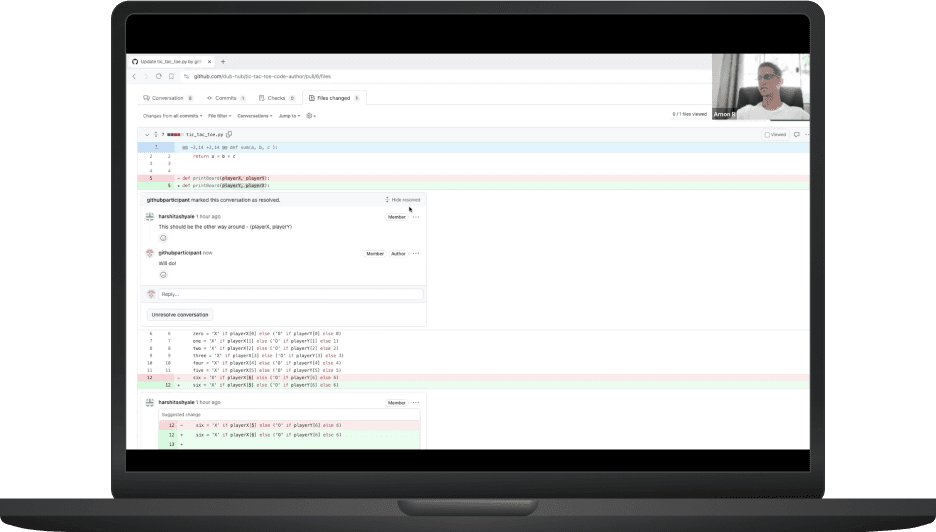


We ran a remote moderated usability test as a within-subject A/B test.
Two roles on two interfaces made four combinations, and every participant worked through all four. The order of the interfaces varied between participants, so neither one always came first.
Code Author
Code Reviewer
Old UI
New UI
Code Author Tasks
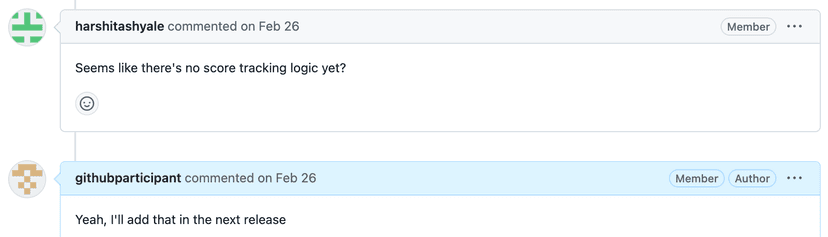
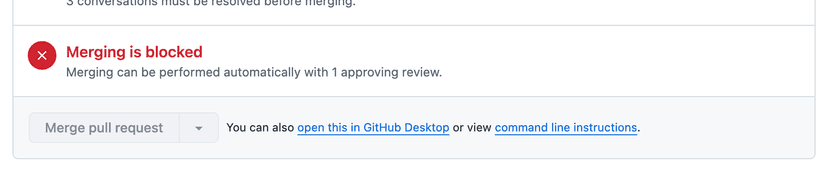
Code Reviewer Tasks
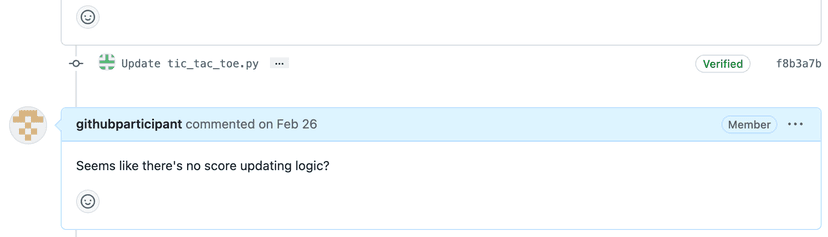
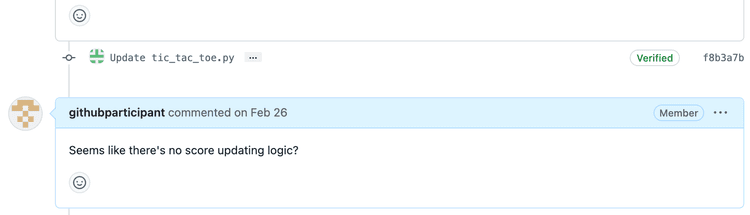
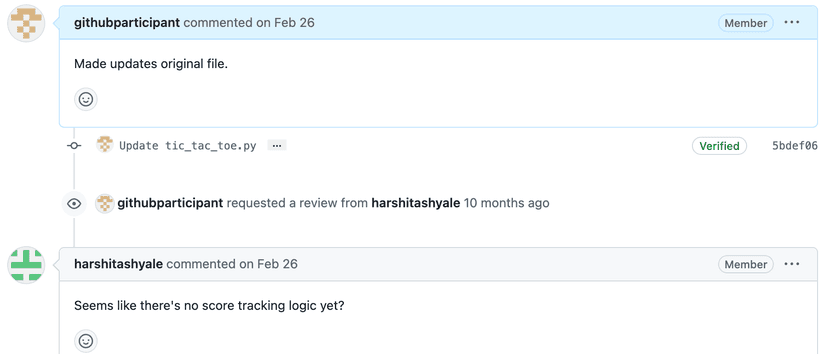
Data collection
Qualitative and quantitative signals
We collected both Quantitative and Qualitative data to measure various success rates and gather insights.
Qualitative
Pre & post Test Interviews, Observations, Adjectives association
Quantitative
Task completion rate, Time on task, System Usability Score (SUS) responses, and user feedback on perceived success and task difficulty
Findings
What the study showed
Participants expressed satisfaction with the new Pull Request UI, though quantitative data highlighted areas of challenge.
Task success rate
66.6%
All participants attempted all the tasks while only 6 out of 9 tasks reached a full success rate.
System Usability Score
-12%
The old UI averaged 75.5, outperforming the new UI's 66.75, showing the new design hasn't fully met user expectations.
Some of the key findings and the recommendations are:
Key Finding
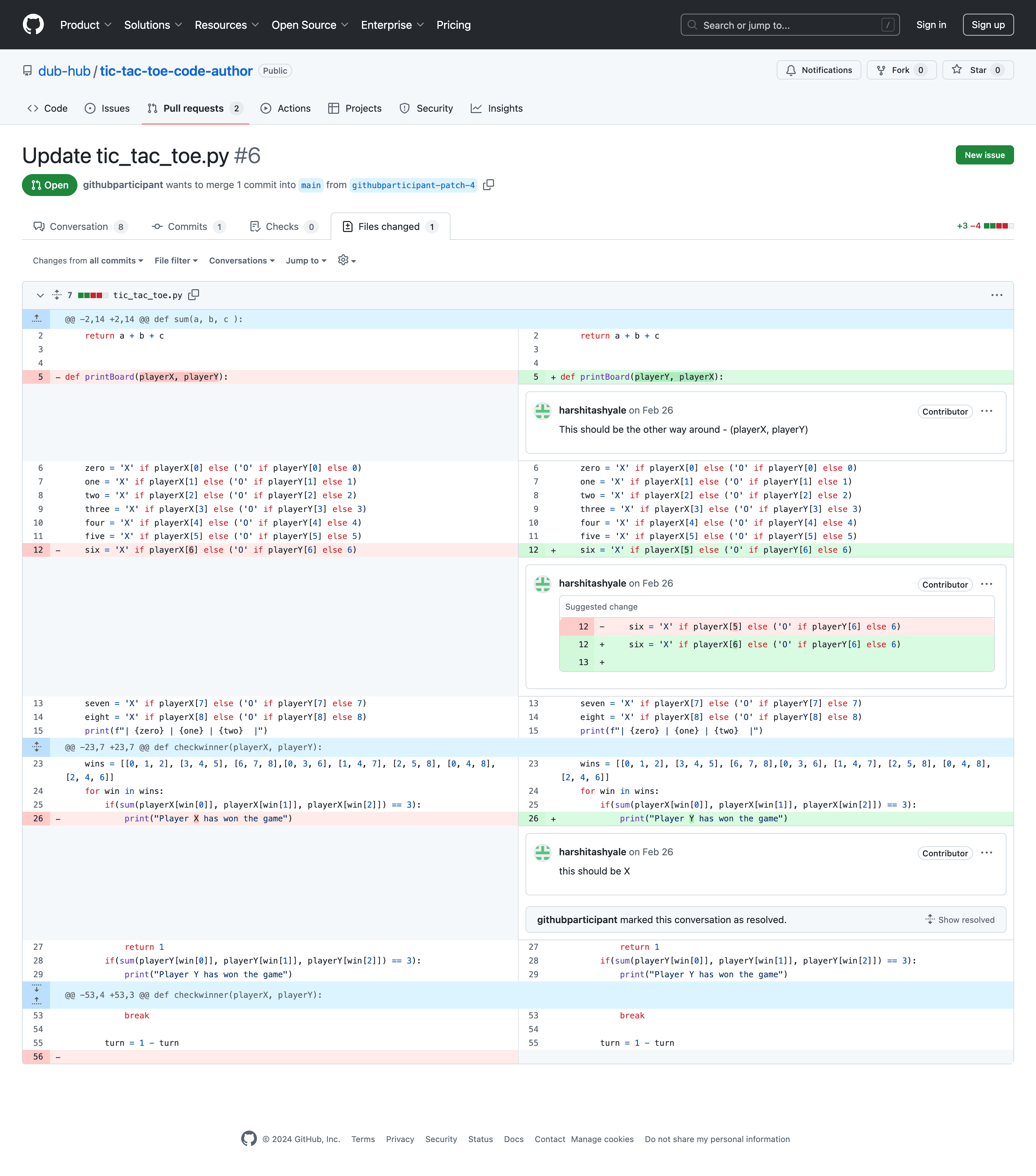
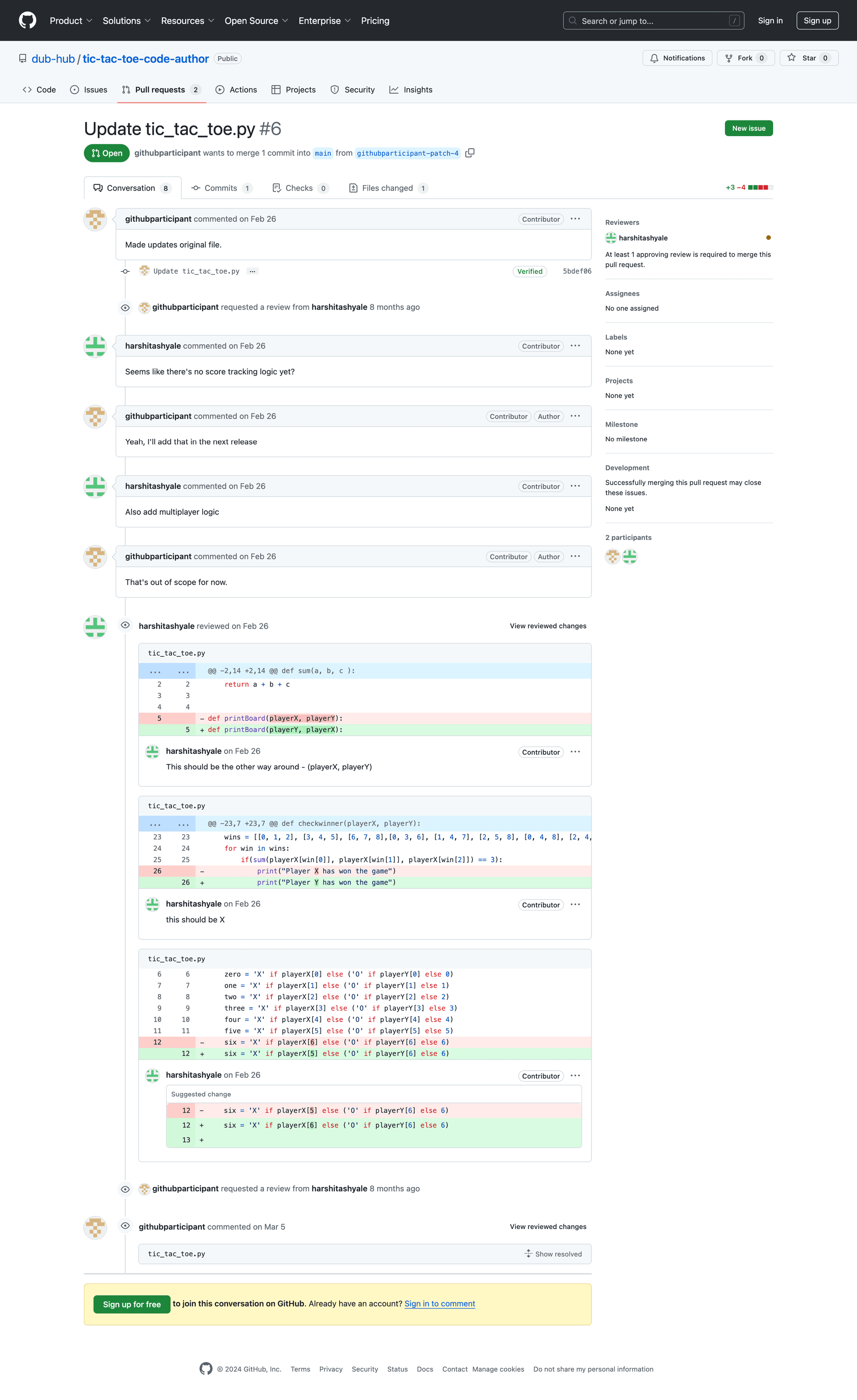
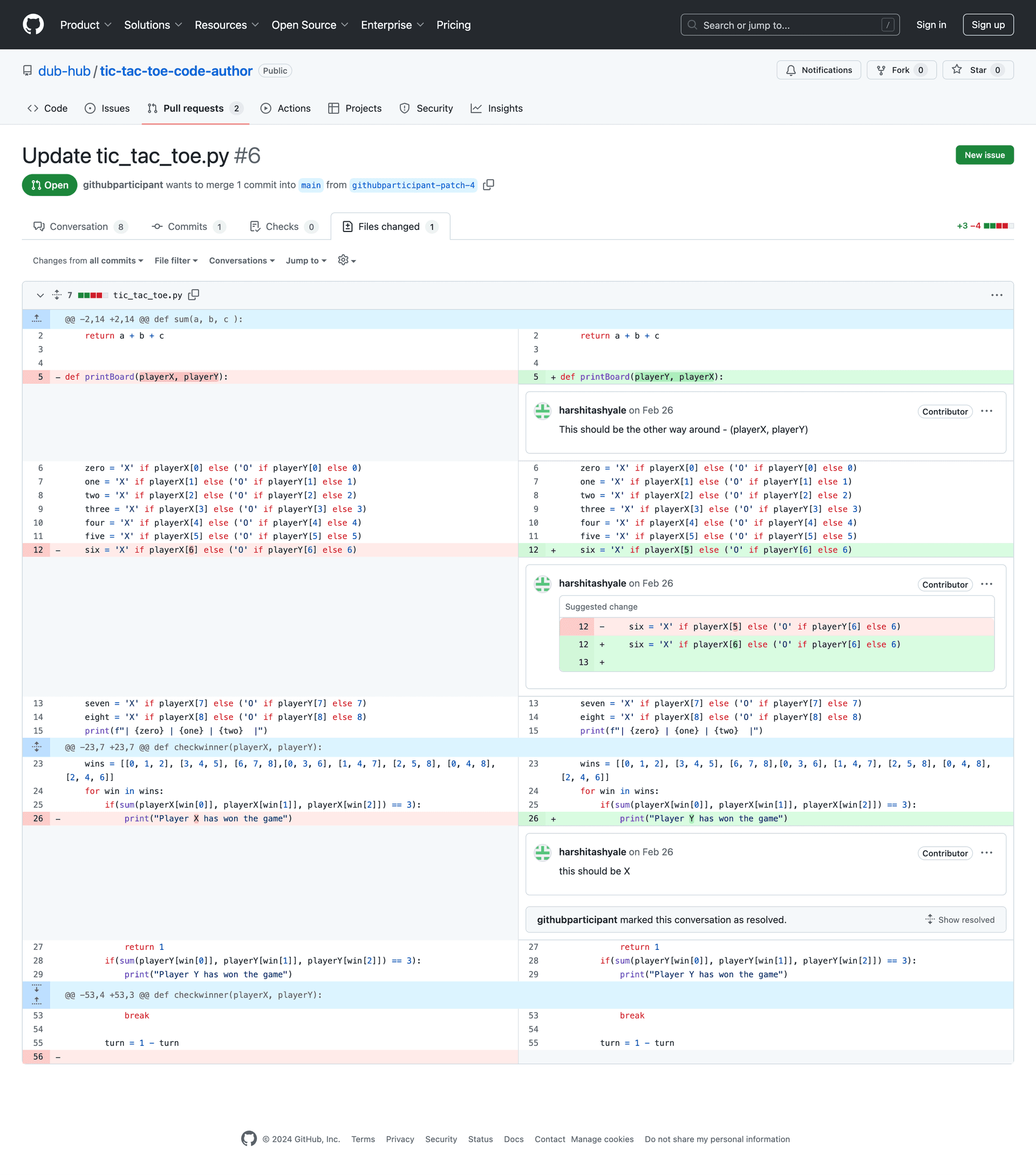
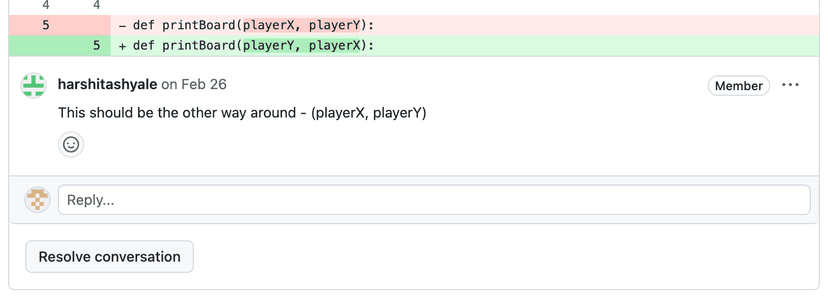
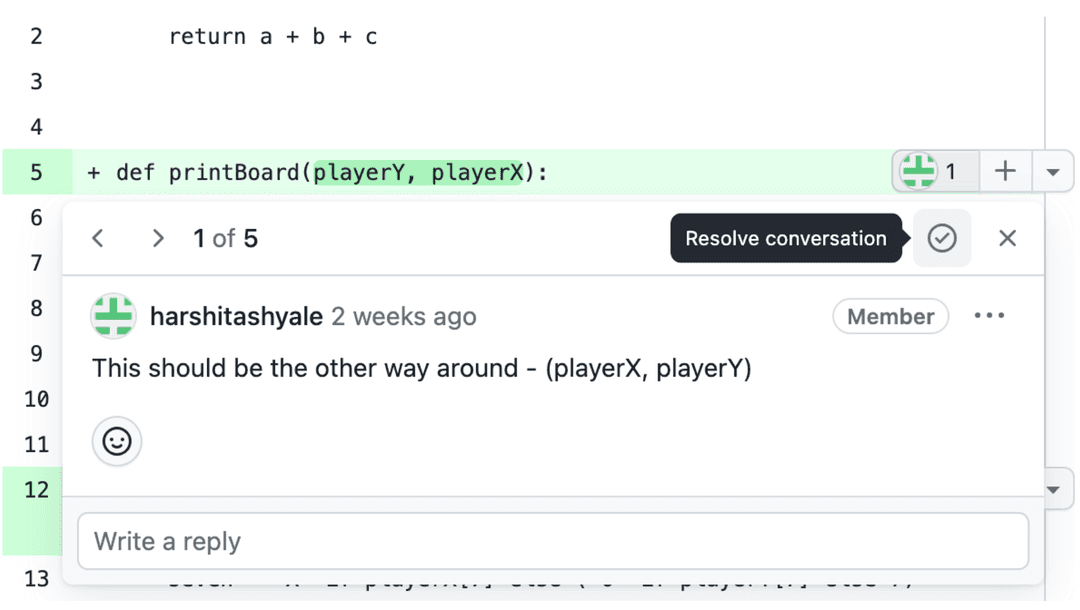
1. Users find the ‘resolve conversation’ icon hard to locate, which disrupts workflow.
Severity
4 - Critical
Task Success
50%
2 out of 4 participants were able to complete the task successfully where all participants voiced concerns in locating the resolve icon.
“I'm able to see the comments as an overlay on the code (in old UI), and was able to resolve it. I could see the resolve button there easily. So if I could have the same experience or a more improved experience that would be good.”
Design Recommendation
Resolve
Temporarily displaying the title "Resolve Conversation" alongside the icon to facilitate initial familiarization with its function and encourage habitual usage. This title can be removed at a later stage.
OR
Resolve ConversationInclude a permanent “Resolve Conversation” CTA at the bottom of the overlay
This approach will facilitate a smoother transition from the old UI to the new one and reduce the learning curve associated with locating the icon and understanding its function.
Key Finding
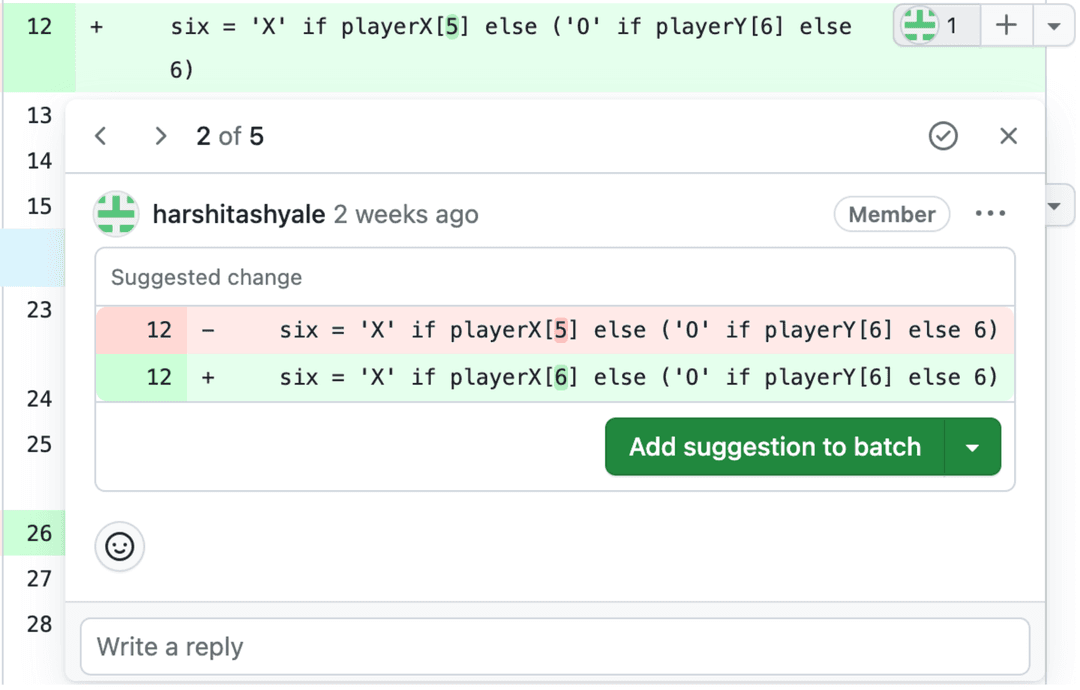
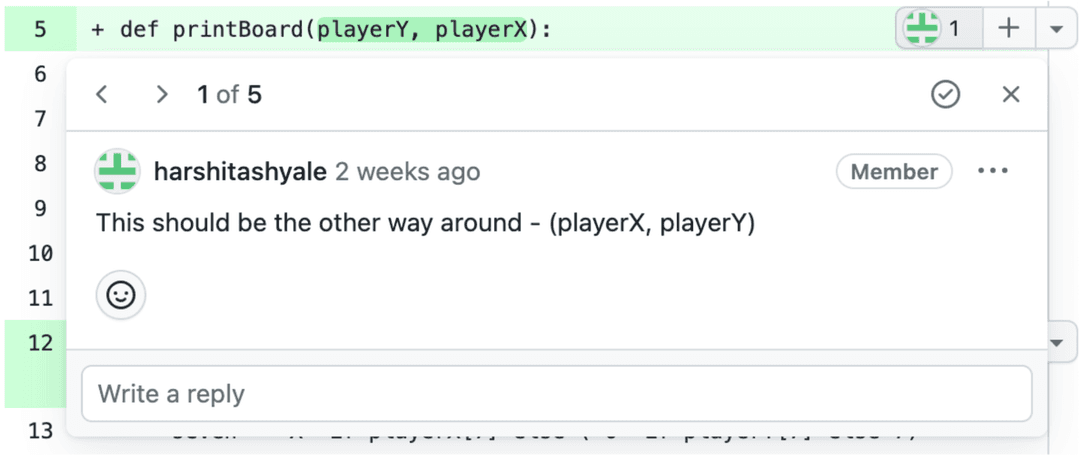
2. Users find difficulty distinguishing different types of comments like code comments, suggestions etc
Severity
4 - Critical
Task Success
40%
2 out of 5 participants were able to complete the task successfully with major issues in finding code suggestions amongst comments and suggestions.
“At first (old UI) I was able to see all the comments, but now I cannot easily differentiate that. Was this a comment actually or a suggestion or just a normal general comment?”
Design Recommendation
Distinguish various types of comments by assigning them different markers.
For instance, suggestions could be highlighted in blue, while general comments could be highlighted in green or use icons or symbols to denote different types of comments.
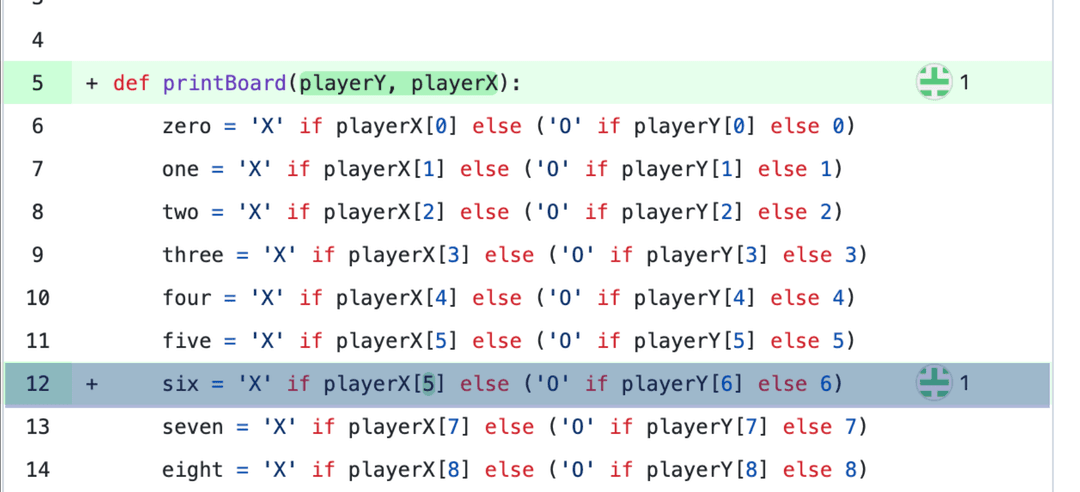
This approach will aid in identifying, prioritizing, and taking quicker actions on the comments.
Reflections
Learnings
Collaborating with GitHub’s research team was an enriching experience. Their feedback helped us iterate on our study design, ensuring that we were capturing meaningful data.

Deep Collaboration
Collaborating with GitHub’s research team highlighted the value of learning from industry experts. Their attention to detail emphasized the need for refining methods and approaches to achieve more impactful outcomes.

Real-World Impact
Contributing to a feature that affects millions of developers underscored the importance of thoughtful design and the role of accessibility in enhancing user experience.

Participant Screening
Screening for more active GitHub users would have improved the authenticity of the insights, ensuring we gathered data from developers who regularly interact with the platform.
Recommendations

Jared Bauer, PhD
Staff UX Researcher @ GitHub
I am pleased to recommend Durva Gaikwad, who completed a very successful project for our team at GitHub while she was a student at the University of Washington. During the project, Durva demonstrated a strong user-centered focus by designing and facilitating user testing cycles, creating tasks and scripts that effectively addressed developers' needs while aligning with both user experience and business goals. Durva's work showcased her excellent ability to employ various research methodologies, including heuristic evaluations and remote usability testing, which provided a comprehensive, data-driven understanding of user behavior. She was also a strong communicator and collaborator, ensuring that her research outcomes were actionable and impactful.
Moreover, Durva exhibited exceptional design craftsmanship by developing actionable design recommendations based on her research, ensuring that user-centered solutions were in line with our business objectives. She has been a valuable contributor to our team, and I am confident she will bring the same level of dedication and skill to her future endeavors.
Next up
See all work
DesignScout.ai
Shipped · 2024An AI hiring platform that ranks candidates using evidence from their answers, making candidate evaluation 60% faster.
YouTube Shorts
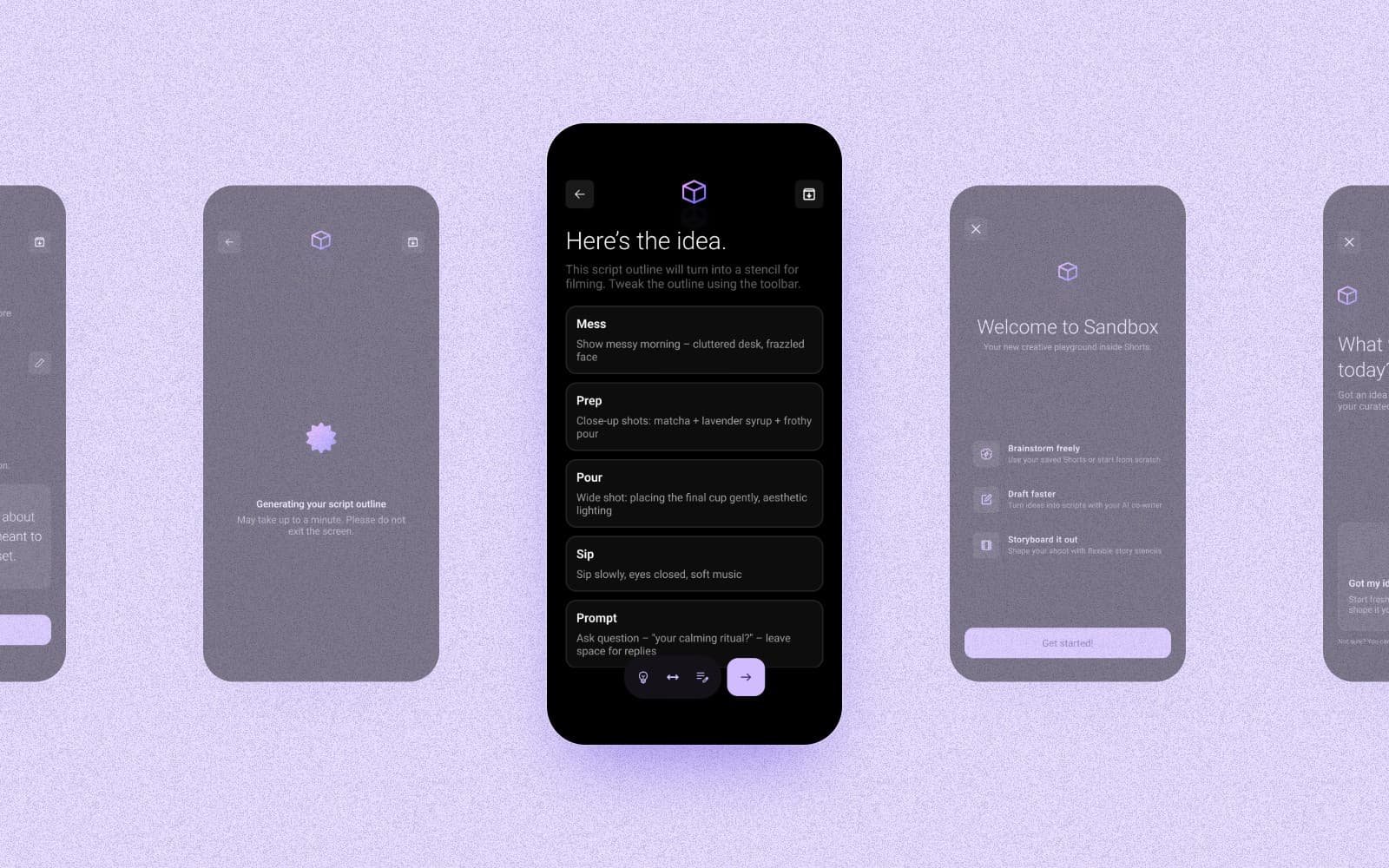
Concept · 2025Generative AI tools that help creators ideate, film, and stay on-brand without taking creative control away.

Vodafone
Shipped · 2023A centralized pricing hub that replaced spreadsheets and email, making quote approvals 3× faster.